Amazon Video Ads Requirements: Specs for Every Placement
Amazon Video Ads Requirements: duration, resolution, bitrate and file size specs for every placement, including DSP and Prime Video, updated for 2026.


Amazon Ads lists 6 seconds as the minimum duration and 120 seconds as the maximum for online video ads, and that specification page was updated in 2026, per the Amazon Ads online video specification. That band is already wider than most retail teams plan for. It is also the wrong ceiling for several other Amazon placements.
Amazon video ads requirements are not one file spec. A cut that clears Sponsored Brands can miss the bitrate floor on Prime Video. A long desktop story can be illegal on Fire tablet. Treat each placement as its own acceptance test, then judge the creative by profit and by what it does to the listing, not by whether the upload button turned green.
Amazon Video Ad Specs at a Glance
Amazon sets different video limits for each ad product, so a single master file rarely fits all placements. Read the row for the placement you will buy. A limit in one row is not a suggestion you can borrow for another.
| Placement | Duration | Aspect ratio | Resolution | Max file size |
|---|---|---|---|---|
| Sponsored Brands video | 6-45 seconds (20 seconds or less recommended) | 16:9 | 1280×720, 1920×1080 or 3840×2160 | 500 MB |
| Custom video ads, desktop and mobile | Up to 3 minutes (15 seconds or less recommended) | 16:9 | 1920×1080 recommended | 500 MB |
| Custom video ads, Fire tablet | 15 seconds | 16:9 | 1920×1080 recommended | 500 MB |
| Amazon online video ads | 6-120 seconds | Not stated on the 2026 duration page | Not stated on the 2026 duration page | Not stated on the 2026 duration page |
| Amazon DSP video | Not stated on the DSP help page | Not stated; frame at least 1920×1080 | Minimum 1920×1080 | Not stated on the DSP help page |
| Streaming TV and Prime Video | Not stated on the Streaming TV spec | 16:9 | Minimum 1920×1080 | 500 MB |
The surprise in the second row is time. Desktop and mobile custom video can run up to 3 minutes, while the recommended length is 15 seconds or less. A three-minute file is legal there and useless on Fire tablet, which stops at 15 seconds.
Sponsored Brands sits in a tighter window, 6 to 45 seconds, with 20 seconds or less recommended. Online video, updated in 2026, stretches from 6 to 120 seconds, but that page does not publish resolution or file size beside the duration. Do not invent those fields from a Sponsored Brands export.
DSP and Streaming TV share a 1920×1080 floor and then split on bitrate, which the later rows in this article cover. Where a cell says the spec page does not state a value, leave it blank in your brief until you open that placement's current spec. Filling the gap from memory is how files get rejected after the shoot.
Before you lock an edit, check video format guidelines against the device the cut will play on. A packaging or unboxing frame that looks fine on a desktop preview can fail a small-screen safe area.
How to use the row
Find the placement first. Use that row's limits as the ceiling for the edit, not as a target length or a target file weight. If the same hero will run in two rows, the stricter cell wins on every shared field. You should be able to pick the right row in under a minute. If you cannot name the placement, you are not ready to export.
Matching Your Video to the Right Placement
Pick the file from the campaign, not from the folder of "final" exports. Three checks decide it.
- Name the campaign type. Sponsored Brands video, custom video ads, online video, DSP, or Streaming TV and Prime Video. Each is a different buy with a different acceptance test.
- Name the device and the supply. Mobile, desktop, Fire tablet, and third-party apps do not share one duration cap. A cut cleared for a phone placement can still be too long for a tablet placement in the same campaign.
- Take the strictest spec if one asset will run in more than one placement. Duration, bitrate, frame rate, and audio each have their own floor. Passing the easiest one does not clear the hardest one.
Say a kitchen brand cuts a 30-second Sponsored Brands spot. That length sits inside the Sponsored Brands window, so it can serve there. The same file is a poor DSP master. DSP wants a higher bitrate band, a 24 FPS floor, louder audio specs, and a mute control. Re-encoding the retail file up to a streaming bitrate does not add the picture detail that was never captured.
A 15-second custom cut is the other pattern. It can serve Fire tablet, which is capped at 15 seconds, and it can also serve mobile, where the allowed length is much longer but the recommended length is 15 seconds or less. One short master covers both devices. The long brand story does not.
Practical rule: Amazon's recommended durations are shorter than its maximums. A 45-second Sponsored Brands file can be accepted and still underperform a 15-second cut that states the product in the first frames.
Decide the placement set before the shoot. A second master planned in pre-production is a scheduled export. A re-edit after the talent has wrapped is a new production day, and it usually lands the week you meant to launch.
Sponsored Brands Video Technical Specs
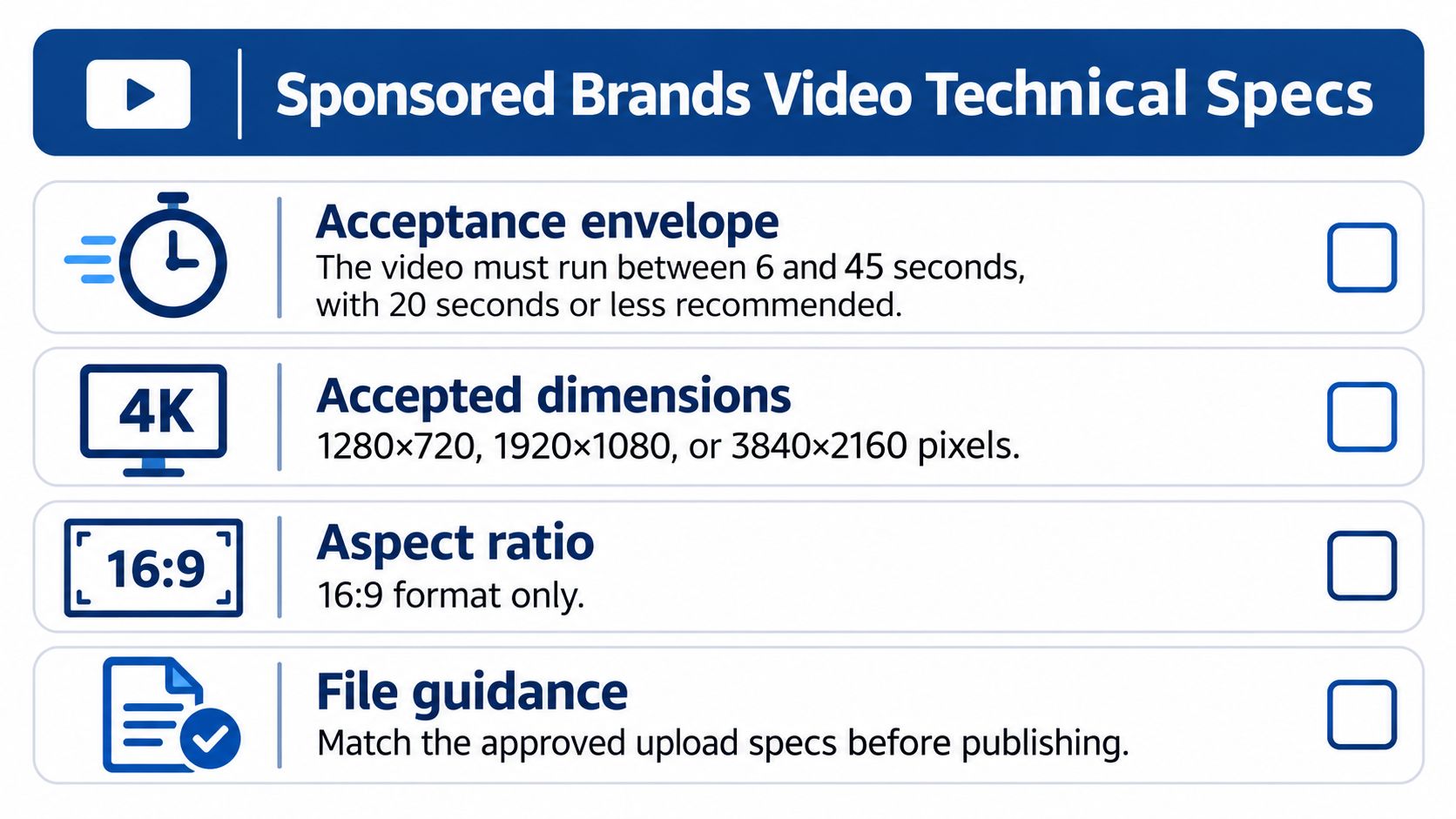
Sponsored Brands video has a hard acceptance envelope. Miss one field and the file does not launch, no matter how strong the offer is. The Sponsored Brands video ad specs are the line you check in the exported file, not in the timeline.
What the file must contain
- Duration: 6 to 45 seconds. Recommended length is 20 seconds or less. Do not export a 50-second "we'll trim later" master.
- Frame size: 1280×720, 1920×1080, or 3840×2160, 16:9, square pixels. A 4:5 social crop will not sneak through.
- Wrapper: MP4 or MOV, 500 MB maximum.
- Codec: H.264 or H.265, Main or Baseline profile, progressive scan. Interlaced footage from an older camera fails here even when the picture looks sharp.
- Frame rate: 23.976, 23.98, 24, 25, 29.97, 29.98, or 30 FPS. A 60 FPS phone export is outside that list.
- Video bitrate: minimum 1 Mbps. 4 Mbps or higher is what you should ship. The minimum keeps a file alive. It does not keep text readable on a phone.
- Audio: PCM, AAC, or MP3, mono or stereo, at least 96 kbps, sample rate at least 44.1 kHz.
- Content: suitable for a general audience and compliant with applicable laws. A clean encode does not excuse a claim you cannot support.
An export that matches the recommended side
For a standard retail master, export H.264, Main profile, 1920×1080, 29.97 FPS, 4 Mbps video, AAC stereo at 128 kbps and 48 kHz. That sits on the recommended side of bitrate and above the audio floors. Keep a 720p version only if a placement specifically needs the smaller frame. Do not let the editor's "match source" preset decide the profile for you.
Check the file, not the timeline
Open the media info panel on the exported file before anyone uploads it. Confirm codec, profile, scan type, frame rate, video bitrate, audio codec, audio bitrate, sample rate, duration, and pixel aspect. Timeline settings lie after a preset overrides them. If media info shows 60 FPS, 8-bit interlaced, or a bitrate under 1 Mbps, re-export. Do not upload and hope review is lenient.
Custom Video Ad Specs for Desktop, Mobile and Fire Tablet
A video that passes desktop review can still fail on Fire tablet. The custom Amazon video ad specs distinguish placements by duration, so choose the destination before preparing the final cut.
Desktop and mobile versus Fire tablet
The recommended picture is 1920×1080 in 16:9, with a recommended video bitrate of 2 Mbps. The minimum frame rate is 15 FPS; audio must be 128 kbps at 44 kHz. Preferred codecs are H.264, MPEG-2, and MPEG-4, and files must be under 500 MB.
Duration limits differ by placement:
- Desktop and mobile: Up to 3 minutes, with 15 seconds or less recommended.
- Fire tablet: Maximum 15 seconds.
A 90-second brand story fits desktop and mobile, but not Fire tablet. Prepare a 15-second cut for the tablet placement and label each asset by placement and length, such as brand-story-desktop-90s and brand-story-fire-15s. Open the short version on the product, not a logo, so the placement's limited runtime shows the item promptly.
Prepare both long and short cuts for each product before finalizing the campaign brief. The 15-second version meets the Fire tablet limit and the desktop and mobile recommendation.
Online video uses a separate duration range. Check that placement's specifications rather than assuming the custom video bitrate recommendation or Fire tablet limit applies. A short Fire tablet export is not automatically suitable for DSP online video.
DSP and Streaming TV Bitrate and Frame Rate Rules
A single video export can pass one placement's checks and fail another's. Amazon DSP video has its own bitrate and frame-rate requirements, while streaming placements specify higher bitrate floors. Keep separate masters for retail, DSP and streaming rather than trying to adapt a retail export after the campaign is set up. See the Amazon DSP video requirements.
| Supply source | Minimum bitrate | Recommended bitrate | Frame rate | Audio |
|---|---|---|---|---|
| Prime Video | 15 Mbps | 50 Mbps | 23.976 FPS recommended; 24, 25 and 29.97 FPS supported | At least 192 kbps, 44.1 kHz or 48 kHz |
| Twitch, Fire TV Channels, third-party apps and exchanges | Higher than retail video; check the placement specification | Check the placement specification | 23.976 FPS recommended; 24, 25 and 29.97 FPS supported | At least 192 kbps, 44.1 kHz or 48 kHz |
| Amazon DSP video | 4 Mbps minimum; 10 Mbps maximum | No separate recommendation listed | Minimum 24 FPS | At least 192 kbps, 44 kHz minimum; MP3 or AAC |
Where retail masters fail
DSP video requires a minimum frame size of 1920×1080, a bitrate from 4 Mbps to 10 Mbps, at least 24 FPS, and audio of at least 192 kbps with a minimum sample rate of 44 kHz. Supported video codecs are H.264, MPEG-2 and MPEG-4; audio must be MP3 or AAC. The ad also needs a mute button and must use the primary official language of the targeted locale. A retail file may meet the bitrate requirement yet fail DSP validation if its frame rate or audio format does not meet these specifications.
Prime Video sets a higher bar. Its Streaming TV and Prime Video specifications require 16:9, at least 1920×1080, and a file no larger than 500 MB. The minimum video bitrate is 15 Mbps, with 50 Mbps recommended. A retail master below that minimum will not pass by being renamed or uploaded again.
For Twitch, Fire TV Channels, third-party apps and exchanges, check the applicable placement specification for the bitrate floor. The streaming frame-rate guidance recommends 23.976 FPS; 24, 25 and 29.97 FPS are also supported. Audio must be at least 192 kbps at 44.1 kHz or 48 kHz.
Why the master has to change
A product-page video is often designed for a small screen and silent autoplay. Streaming TV is viewed on a larger screen, where compression can make product images look blocky and quiet audio can be harder to hear alongside programme audio. The placement changes which parts of the export matter most.
Keep placement-specific masters so a streaming validation failure does not delay a retail test. When planning a move from retail video to DSP, align the encode with the Amazon DSP video campaign requirements. Assess the campaign using reach, branded search and downstream sales alongside completion rate. A high completion rate alone does not show whether the advertised product gained sales.
Acceptance Rules That Cause Rejections
A file that passes the codec check can still fail review, or go live and do nothing. Teams treat "Will it pass?" as a format question. The tighter constraint is qualitative. The display ads video creative guide flags blurry or unrecognizable visuals, black frames, illegible text, abrupt endings, overly rapid edits, distracting audio, and sudden volume changes. The ad also has to suit a general audience and follow applicable laws.
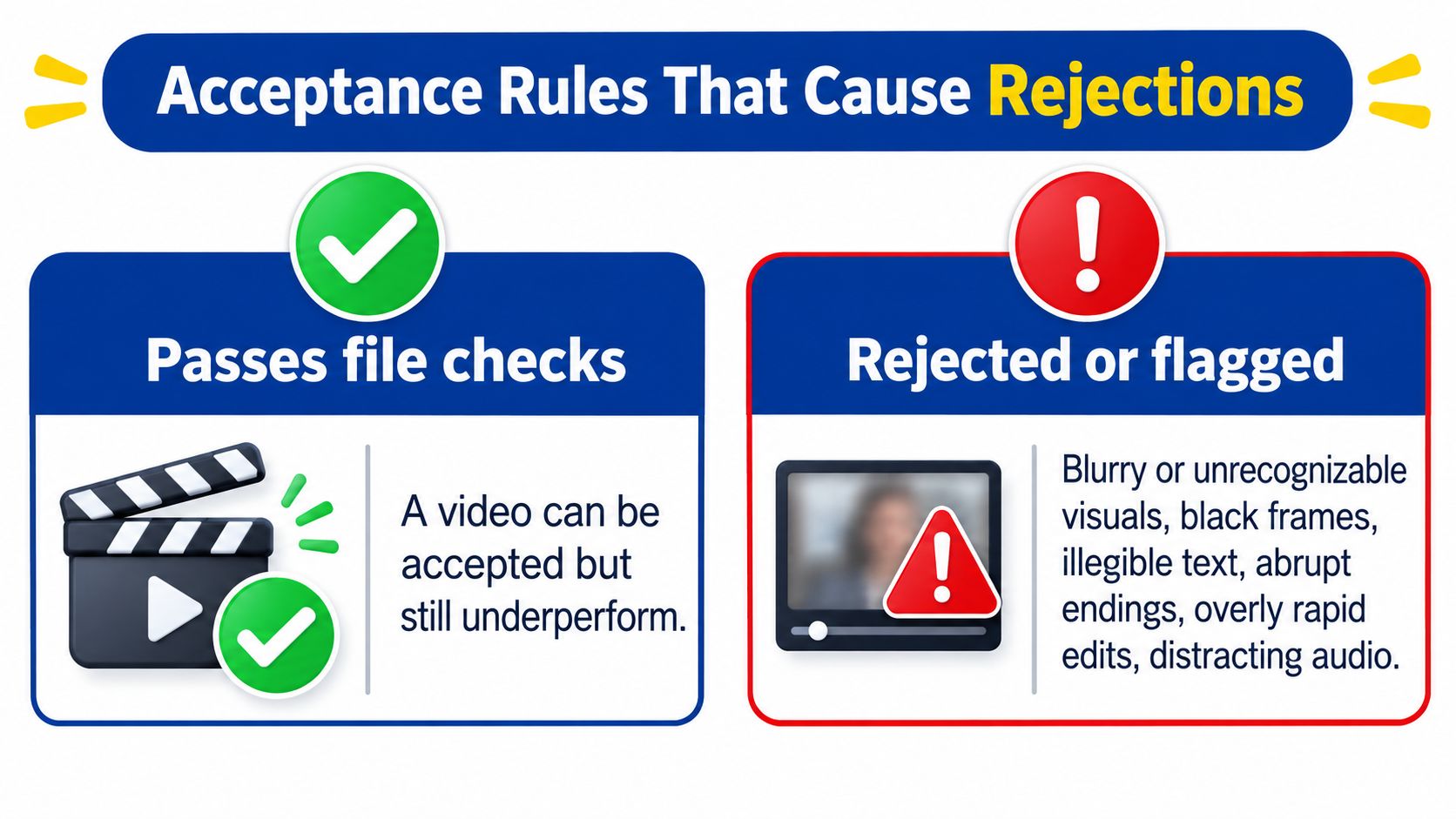
Reviewers judge the viewing experience, not the metadata. A perfect export with a black first frame, type that only reads on a desktop monitor, or a music hit that spikes at the cut is still a bad ad. On mobile retail placements the failure is harsher. Small on-screen copy, a weak opening frame, or a message that lives only in the voiceover makes a compliant file effectively unusable. Shoppers scroll with sound off. If the first frames do not show the product and the reason to care, the click never happens.
Accepted is not the same as effective
Amazon permits some soundless video when the picture stays understandable and the file includes a no-audio disclaimer. That permission does not mean the value proposition landed. A silent demo of a lid closing can be accepted and still fail to say why this lid is worth the price.
When a video is accepted but click-through or conversion lags the placement's usual range, inspect the creative before you touch bids.
- Unreadable text and a weak opener suppress clicks. The shopper never sees a reason to stop.
- Unclear product proof suppresses conversion. The click lands on a listing the video did not prepare them to buy.
- An unclear or overreaching claim can cost sales on the advertised ASIN, and it can create a policy problem that pulls the whole ad.
Run market-specific legal review for claims, pricing, endorsements, and regulated categories before upload. A phrase that is fine in one marketplace can be a rejection in another. For the listing side of the same asset, the upload path in how to add a video to an Amazon listing is a different review from the ad console. Do not assume a PDP approval clears an ad, or the reverse.
Optimize Video Ads for Profit and Organic Growth
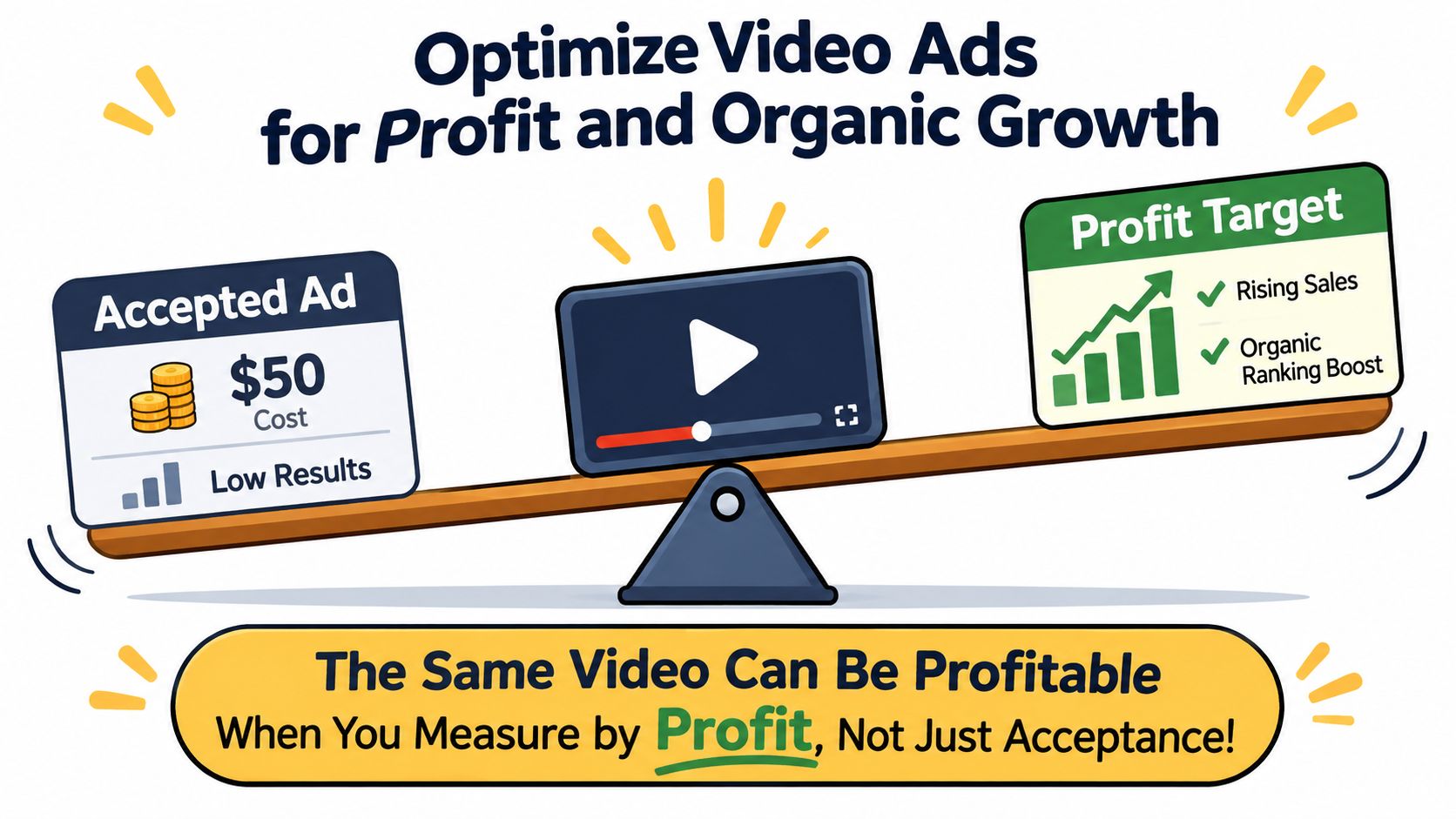
A video can meet every file requirement and still lose money. Evaluate it against contribution margin, then check whether its effect extends beyond paid clicks to the promoted ASIN's organic sales.
Headline's Amazon advertising approach centers on contribution margin optimization and profit-based bidding, rather than ACOS alone. A low ACOS can mask an unprofitable campaign if discounts and product costs leave too little margin. Set a margin floor before testing, using the same financial measure your team applies to the ASIN.
Three moves you can run this week
Change the opening while holding the placement constant. Create two or three cuts that vary in their opening and length, while staying within the placement's limits. Keep the other variables fixed so the test can show whether the creative affects results, rather than whether a file passes a different placement's validation.
Review performance daily. Headline's home goods case study recommends monitoring ACOS daily and making quick adjustments. Apply that cadence to contribution margin too. If a cut spends without producing conversions, adjust its budget promptly instead of waiting for a weekly report.
Measure organic impact against your own baseline. Track organic rank and organic sales for the promoted ASIN before and after the winning cut goes live. Compare the same measures across both periods, and account for other changes that could affect results. This gives you a way to assess whether paid video coincides with a change in organic performance without assuming that every paid sale produces an organic lift.
A video that raises conversion while reducing contribution margin fails the test. Set the profit threshold before the first impression.
Carry the winning product story into the listing video so shoppers encounter a consistent explanation after the click. The guidance on creating product videos for Amazon covers that listing-side handoff. If the ad highlights a feature the listing video does not demonstrate, the shopper may reach a page that does not support the ad's promise.
Confirm Your Specs Before You Upload
Upload day is a file check, not a creative debate. Run this list on the exported file. If any line fails, fix the export before it hits a campaign.
- Confirm the placement set and the matching row. If you cannot name where the file will run, do not upload it.
- Check duration against that placement's maximum and against the shorter recommended length. Legal is not the same as worth running.
- Verify resolution, 16:9, and square pixels in the export's media info, not in the project file.
- Confirm codec, profile, frame rate, and bitrate for that placement. A retail bitrate will not satisfy a Prime Video floor.
- Check audio bitrate and sample rate. If the video is soundless, add the no-audio disclaimer and make sure the picture still carries the offer.
- Play the first three seconds with sound off. Read every line of text at phone size. Confirm the last frame is a complete picture, not an end card sliced by the player.
- Clear legal review for claims, prices, and regulated categories in each marketplace on the buy.
If the team runs more than one placement, build a placement-specific master for each and track results against the profit target you set before launch. One hero file across Sponsored Brands, DSP, and Prime Video will fail at least one of those checks.
Headline offers a complimentary Amazon advertising audit, the Free Audit, so you can have the video setup and the campaign structure reviewed before the next flight. Headline has managed more than $25 million in Amazon ad spend, which is the context for that review: specs, bids, and margin in one pass, not a format checklist in isolation.
Headline Marketing Agency plans Amazon video against placement specs and against contribution margin, so a file that launches is also a file that can support organic sales. If your next Sponsored Brands, DSP, or Prime Video flight is still sharing one master, start with a clear read on which cuts should exist and what profit they need to hit. Visit Headline Marketing Agency to talk through the audit before you book the shoot.
Get Your Free Amazon PPC Audit
Discover untapped growth opportunities and see how our data-driven approach can improve your ROAS.
Get Free Audit →Ready to Transform Your Amazon PPC Performance?
Get a comprehensive audit of your Amazon PPC campaigns and discover untapped growth opportunities.